
Last Updated: November 16, 2026
Quick Summary
You can improve rural internet speeds by restarting your modem and router, testing wired versus Wi-Fi speeds, and moving your router high and central. Upgrading an outdated modem or router and choosing a provider that serves your exact address also make a measurable difference.
- About 22.3% of rural residents still lack access to fixed broadband at 25/3 Mbps, per USDA data.
- Run a speed test at the router with an ethernet cable before buying any new equipment.
- Replace a modem older than four years and match it to your line technology.
- Add a mesh network system for homes over 2,500 square feet to spread coverage.
- Ask providers about latency, not just bandwidth, if lag is your main problem.
Table of Contents
- Why Rural Internet Is Slow and What You Can Fix
- How to Boost Wi-Fi Signal in Large Homes
- Hardware Upgrades That Make a Measurable Difference
- Latency vs. Throughput: What Rural Gamers and Remote Workers Need
- Choosing the Best Rural Internet Providers for Your Address
- Call JB-Nets to Check Speeds at Your Address
- Frequently Asked Questions
Why Rural Internet Is Slow and What You Can Fix
About 22.3% of rural residents still lack access to fixed broadband at 25/3 Mbps, according to USDA broadband data. That gap explains why so many rural households struggle with slow speeds. At JB-Nets, we hear the same complaints every week: video calls freeze, pages stall, and streaming buffers at the worst moment.
The good news? A lot of rural internet slowness comes from problems you can fix yourself. Weak routers, bad placement, and outdated hardware cause more slowdowns than most people realize.
This guide shows you how to improve rural internet speeds step by step. We cover quick fixes first, then hardware upgrades, then how to pick a provider that actually delivers. Below, we’ll walk through each fix in order, from free tweaks to bigger investments.
How to Boost Wi-Fi Signal in Large Homes
Router placement is the single biggest free fix for weak Wi-Fi. Most people hide the router in a closet or basement. That kills signal strength before it ever reaches your devices.

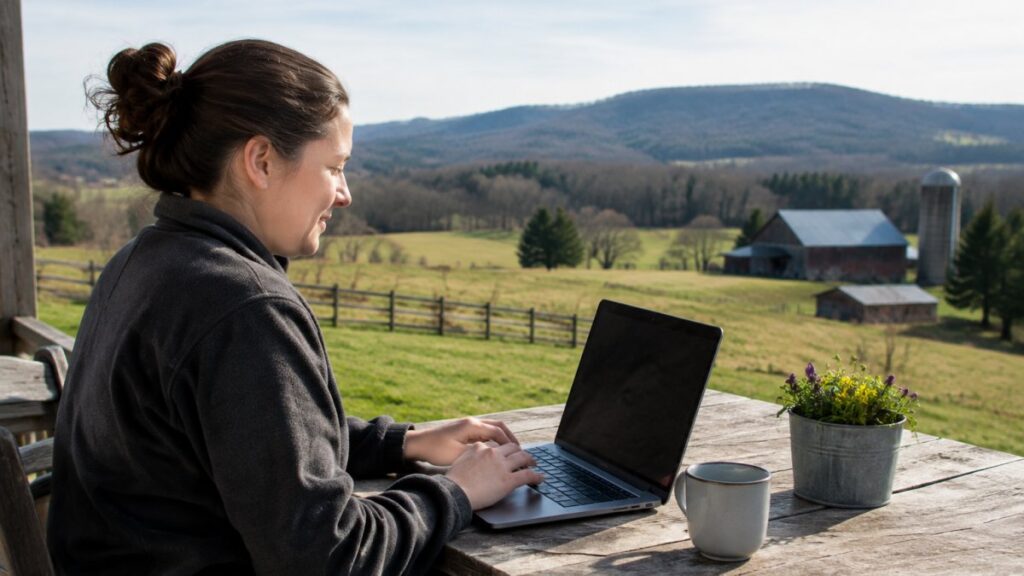
The woman is American.
Try these moves to boost Wi-Fi signal in large homes:
- Place the router high and central, away from walls and metal.
- Switch devices to the 5GHz band when close to the router.
- Change the channel to reduce signal interference from neighbors.
- Point antennas vertically for better coverage.
- Add a mesh network system for homes over 2,500 square feet.
A dual-band router helps, but only if you actually use the 5GHz band. Older devices may not support it, so check hardware compatibility first.
Hardware Upgrades That Make a Measurable Difference
A modem upgrade is the most overlooked fix in rural homes. If your modem is more than four years old, it may not support the speeds your provider delivers. Ask your provider which models are approved, then replace it. Match the modem to the technology on your line: a DOCSIS 3.1 modem for cable, a VDSL or ADSL modem for DSL, and a provider-supplied ONT for fiber. A mismatched modem either won’t sync or will cap your throughput below your plan.
Next, look at your router. A modern router with external antennas beats the box your provider handed you years ago. Check three specs before buying: Wi-Fi standard (Wi-Fi 6 or 6E handles congested rural airwaves better than Wi-Fi 5), antenna configuration (external antennas generally outperform internal ones at range), and Ethernet port speed (a gigabit WAN port prevents the router itself from becoming the bottleneck). For large or oddly shaped homes, a mesh network with wireless backhaul spreads coverage into dead zones, but wired backhaul between nodes always beats wireless backhaul when you can run cable.
For the toughest cases, a high-gain antenna or cellular signal booster can pull in a stronger signal. These help most when your home sits far from the nearest tower or node. A booster amplifies an existing weak signal; it cannot create one where none exists, so test outdoor signal strength before investing.
Keep firmware updates current. Manufacturers patch security holes and improve connection stability through updates. Set your router to update automatically so you don’t have to remember.
Latency vs. Throughput: What Rural Gamers and Remote Workers Need
Latency and throughput measure different things, and rural users often need both. Throughput is how much data moves per second, measured as download and upload speed. Latency is the delay before data starts moving, measured in milliseconds.
Gamers feel latency first. A 100 Mbps connection with high latency lags worse than a 25 Mbps line with low latency. Remote workers feel upload speed first. Video calls stall when upload speed is low, even if downloads look fine.
Here’s what to watch:
- Packet loss causes stutter and dropped calls. Test for it, not just speed.
- Symmetrical speeds keep upload and download matched, which matters for calls and gaming.
- Wired ethernet beats Wi-Fi for competitive play every time.
If lag is your main problem, ask providers about latency, not just bandwidth. Most ads only quote download speed.
Choosing the Best Rural Internet Providers for Your Address
The best rural internet providers for your address are the ones that actually serve it with the technology your home can support. Availability varies street by street in rural areas, so verify coverage before comparing plans. Use the FCC National Broadband Map to check reported availability at your exact address, then confirm with the provider directly, because map data can overstate what is actually serviceable.
Start with these questions:
- Which technologies reach your address: fiber, fixed wireless, cable, or satellite?
- What upload speed does the plan include?
- Are there data caps or contract terms?
- What’s the real monthly bill after fees?
Compare technologies on the metrics that matter for rural use. Fiber to the home offers the lowest latency and highest symmetrical speeds where it’s built, and you can check whether fiber to the home is an option for your area. Fixed wireless and cable usually deliver better connection stability than satellite. Satellite internet reaches almost everywhere, but it carries higher latency and often data caps, which makes it a poor fit for real-time gaming or video calls even when download speeds look adequate.
Data caps deserve their own plan. Many rural providers throttle speeds after a monthly allowance, so track usage in your provider’s app or router dashboard and set alerts before you hit the cap. Shift large downloads and backups to off-peak hours if your provider offers free overnight data, lower streaming resolution on TVs you rarely watch in 4K, and pause cloud backups during work hours. A common pattern is that a household burns most of its cap on video streaming and game updates, so those are the first places to cut.
We also suggest asking about wireless internet coverage if fiber isn’t available yet. Public broadband policy and ISP competition affect what’s offered where you live. Some states limit public providers, which can slow private investment in unserved areas, according to ChangeLab Solutions research on state broadband barriers. That’s why checking your specific address matters more than reading generic provider lists.
Call JB-Nets to Check Speeds at Your Address
No guide can tell you what’s available at your address. That takes a real coverage check. JB-Nets is a family-owned provider serving rural communities since 2002, with a network of 54 towers and fiber options where built.
We offer symmetrical speeds, so uploads keep pace with downloads. There are no contracts. Installation is free, and a 30-day money-back guarantee backs every plan.
Check our coverage map to confirm service at your address. Then reach out through our contact page or call 740-446-2975. We’ll tell you what speeds we can deliver and what the monthly bill looks like, with no surprise fees.
Slow rural internet is rarely one problem. It’s usually a mix of placement, hardware, and provider limits. Fix what you can at home, then confirm your provider can deliver the speed you need. Get started with JB-Nets and check your address today.
Frequently Asked Questions
How do I get a better internet signal in rural areas?
Start with router placement: put it high, central, and away from metal appliances and thick walls. Switch devices to the 5GHz band when close to the router, and use 2.4GHz for distance. If dead zones persist, a mesh network or a high-gain antenna helps. Check whether fiber or fixed wireless is available at your address, since 22.3 percent of rural residents still lack coverage from fixed 25/3 Mbps broadband, according to USDA data. A provider that serves your specific road can make the biggest difference.
Why is internet so much slower in rural areas?
Distance and infrastructure. Rural homes sit farther from the equipment that carries signal, so many households rely on satellite or older copper lines, which carry higher latency and lower upload speeds than fiber.
Does aluminum foil really boost Wi-Fi?
It can redirect signal, but it is unreliable. A foil reflector behind a router antenna may push signal toward one room while starving another, and results vary with router model and home layout. Treat it as a temporary test, not a fix. Proper router placement, a mesh system, or an external high-gain antenna delivers more consistent gains. If your speeds stay low after those steps, the bottleneck is likely your connection type rather than your Wi-Fi.
Will symmetrical speeds fix stalled video calls?
Yes, if upload is your bottleneck. Many rural connections offer fast downloads but thin upload, which stalls video calls and file transfers even when a speed test looks fine. Symmetrical speeds match upload to download, so a remote worker sending video all day gets the same capacity in both directions. JB-Nets offers symmetrical speeds with no contract and unlimited usage, with free installation.
